Your catalog at checkout
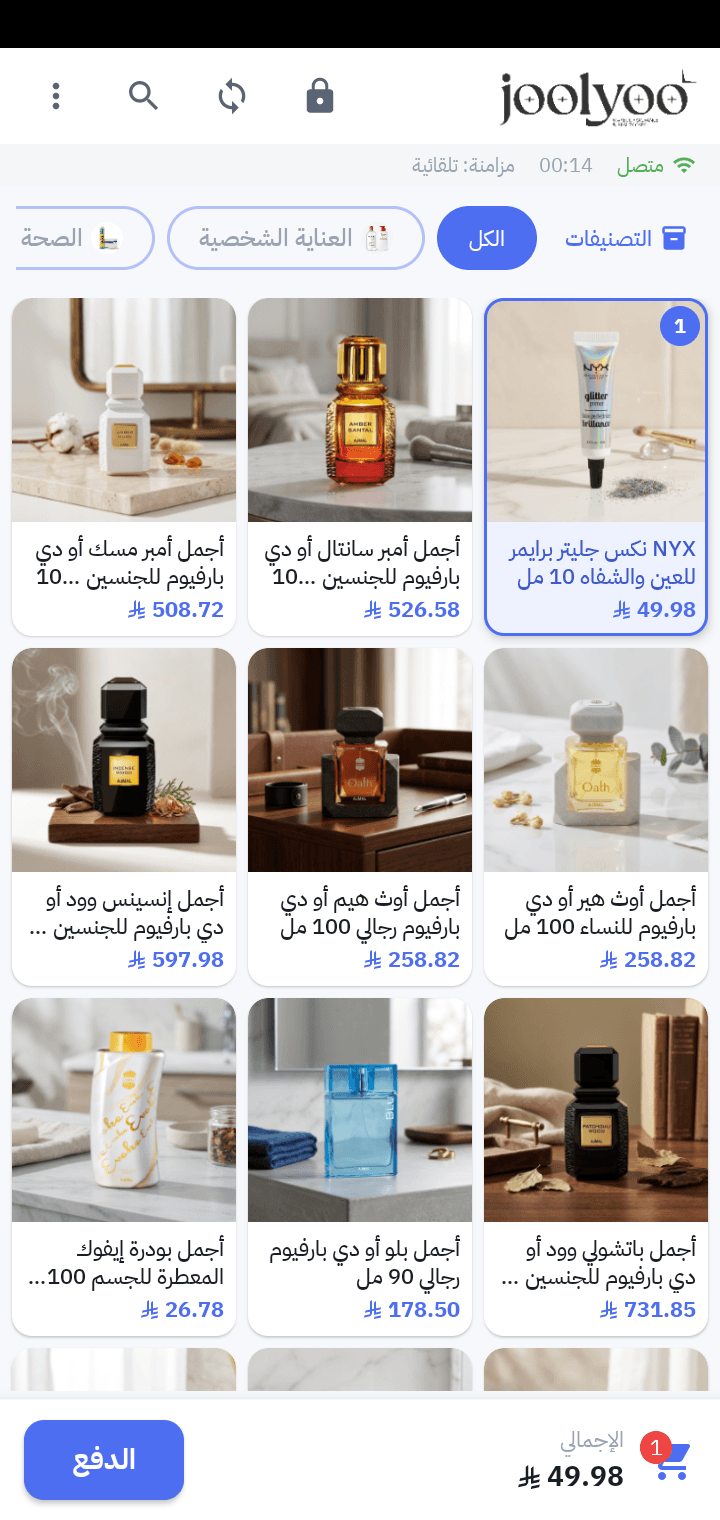
Browse product images, prices and parent and child categories, or search by name or barcode.

MOLLKOM PDA / SUNMI APP STORE
Mollkom PDA is a native Android app for field devices. It brings your catalog, cash checkout, barcode, receipts and inventory into the same Mollkom commerce data.
Published in SUNMI App Store for eligible devices
The current release supports cash payments. Store availability, printing and scanning depend on your device model, configuration and region.
01 / ONE WORKFLOW
Browse product images, prices and parent and child categories, or search by name or barcode.
Use the SUNMI scanner on equipped models to find products during checkout and warehouse work.
Add products and variants, review quantities and discounts, and complete a cash sale linked to your store.
Preview the sale receipt and use thermal-printer integration on supported devices after printer and paper setup.
Review warehouse quantities and follow receiving, stock counts and returns in the field app.
The app connects to Mollkom products, orders and inventory; point of sale is one channel in the same commerce workflow.
02 / CONNECTED COMMERCE
Product details, imagery, prices and categories serve both the storefront and checkout. Completed sales connect orders and stock to the rest of Mollkom, from product preparation and marketing to customer service and delivery.