A catalog ready for checkout
Product images, categories, search and variants bring your store data into a sales-focused interface.

MOLLKOM / POINT OF SALE
At the counter, between shelves, and in the warehouse. Mollkom’s native app brings checkout, inventory, barcodes and printing together on SUNMI devices.
Mollkom PDA is published in SUNMI App Store for eligible devices. Explore the app and availability
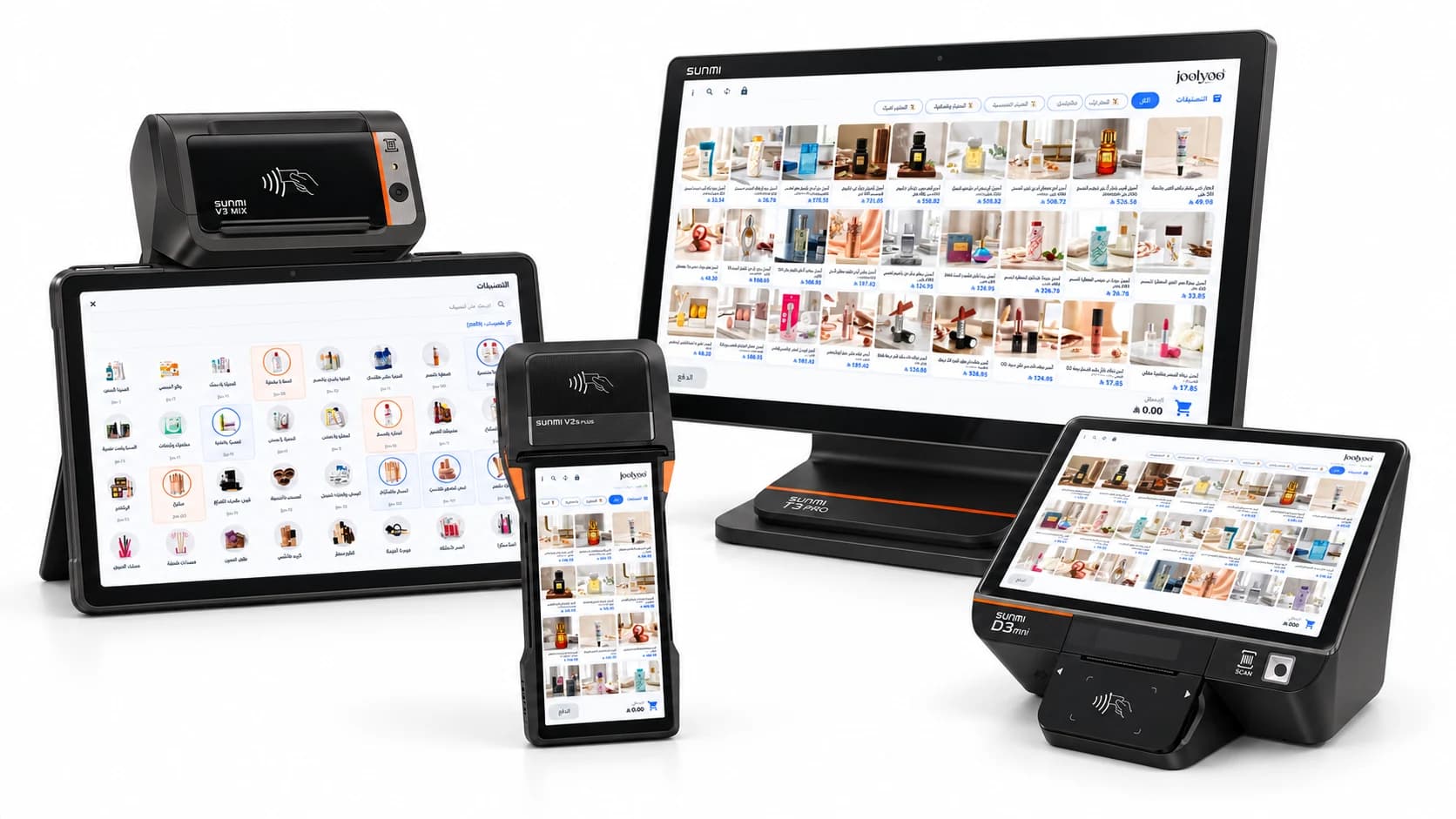
01 / THE NATIVE APP
Real Mollkom screens that adapt from a handheld to a desktop display. Explore what happens inside the app.
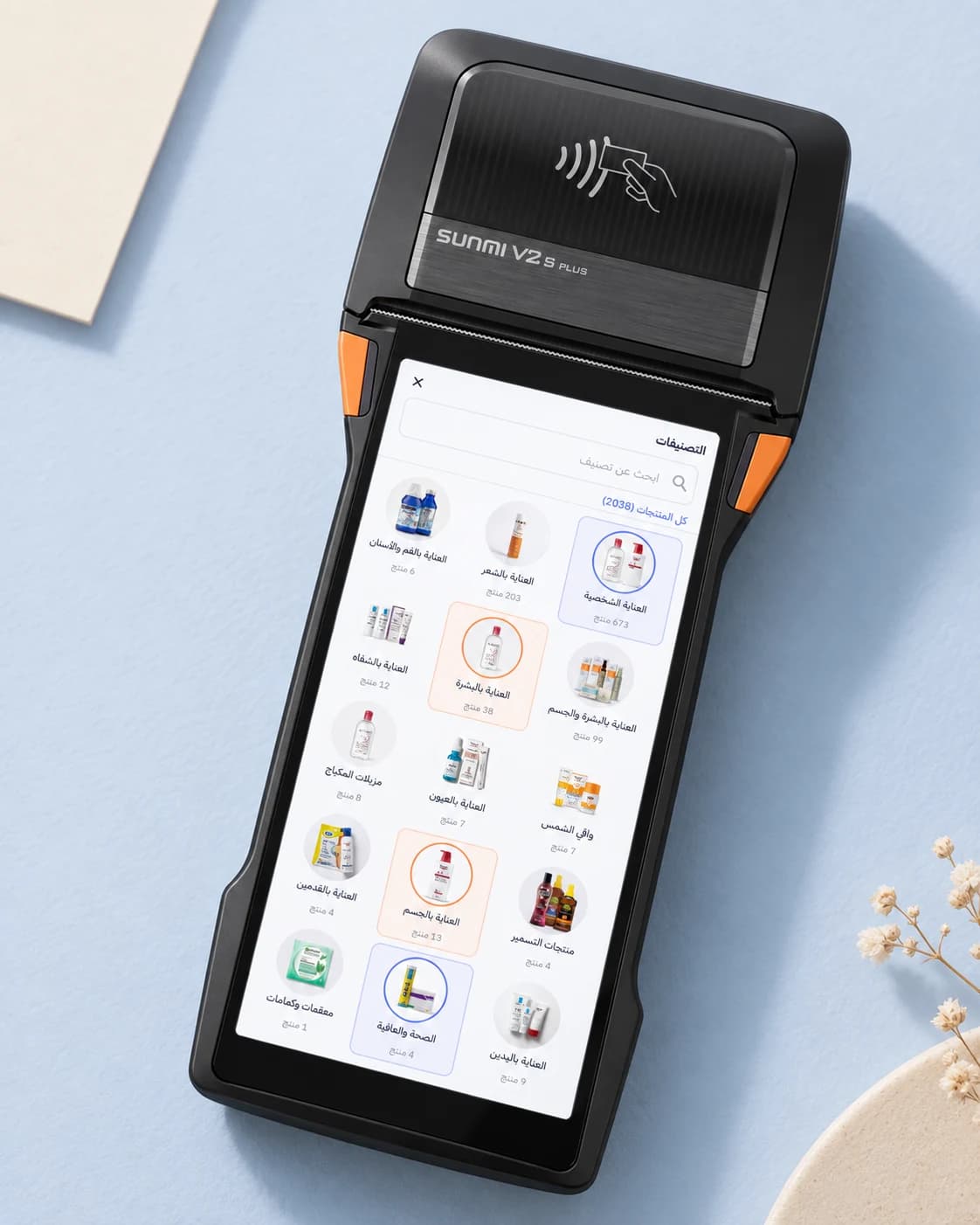
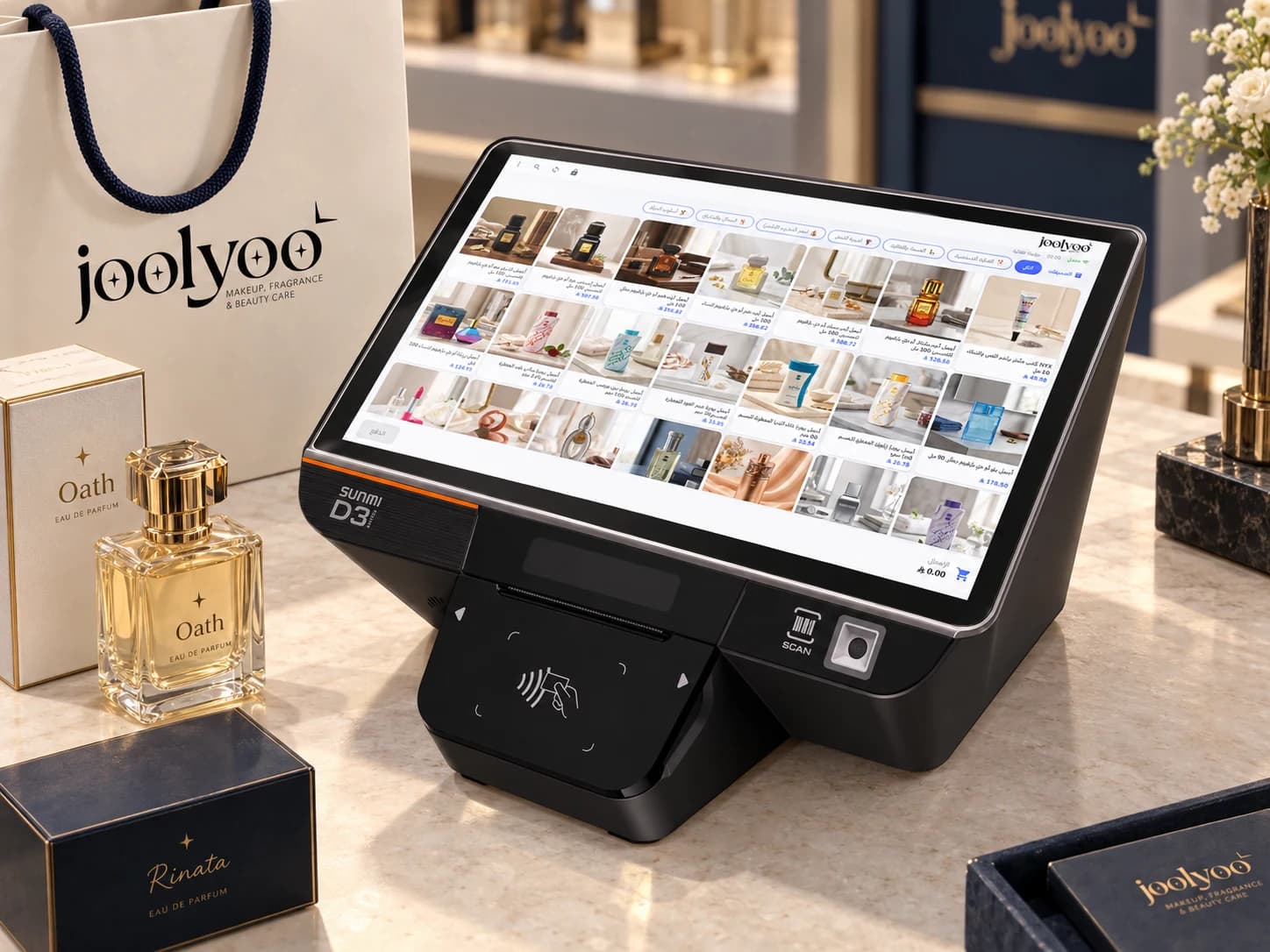
Search by name or barcode, browse product images and categories, and add products and variants to the cart.
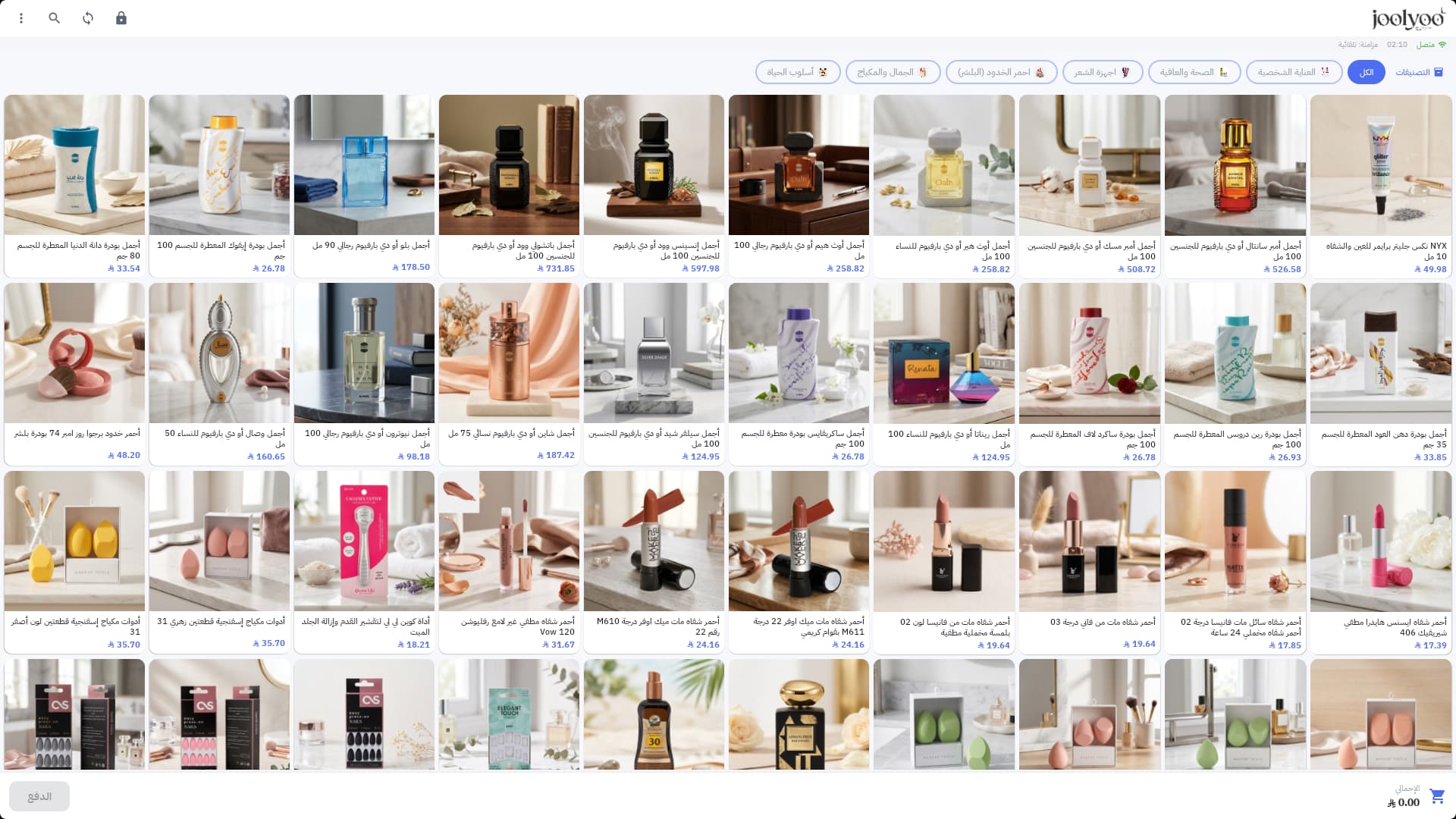
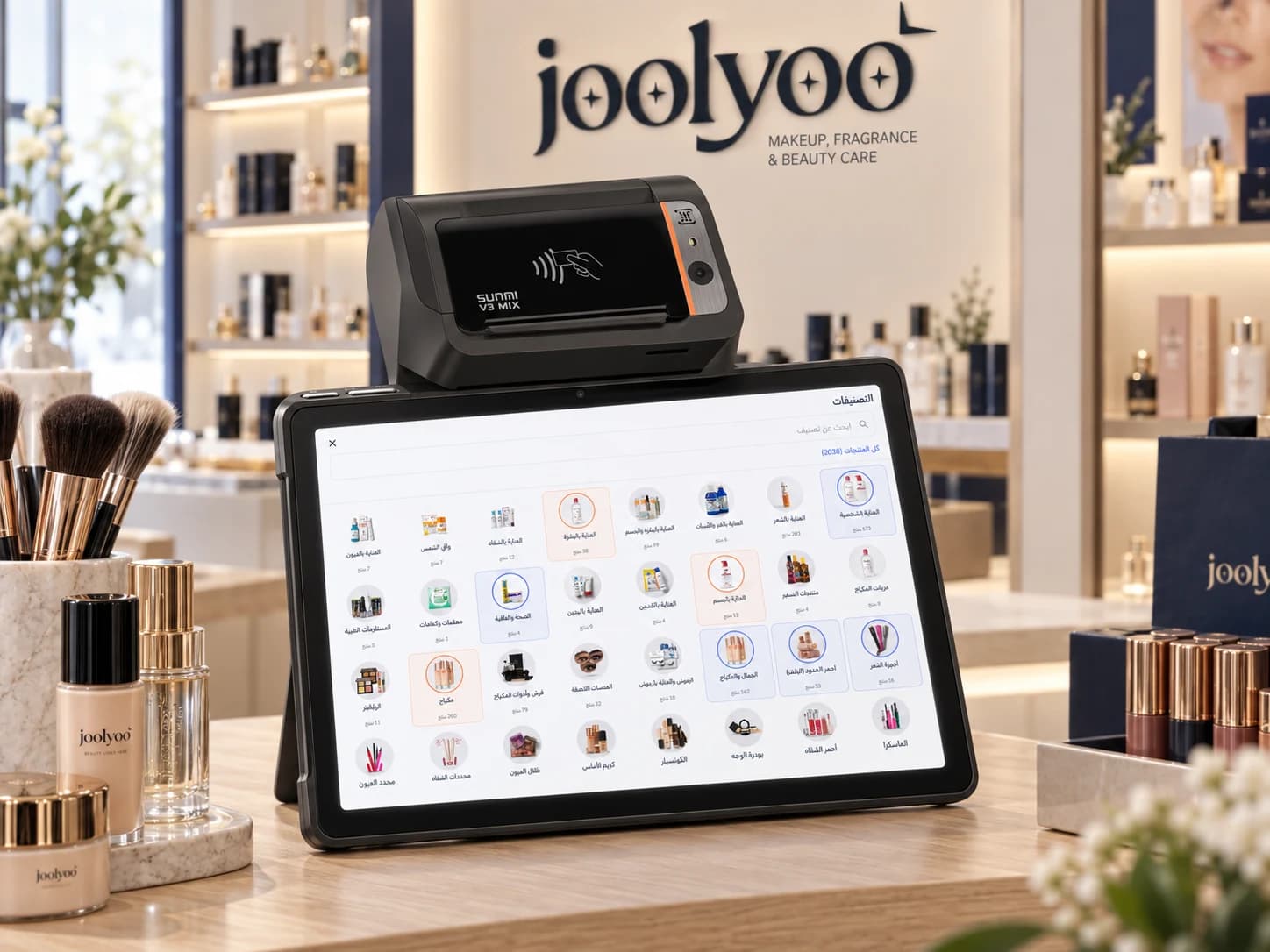
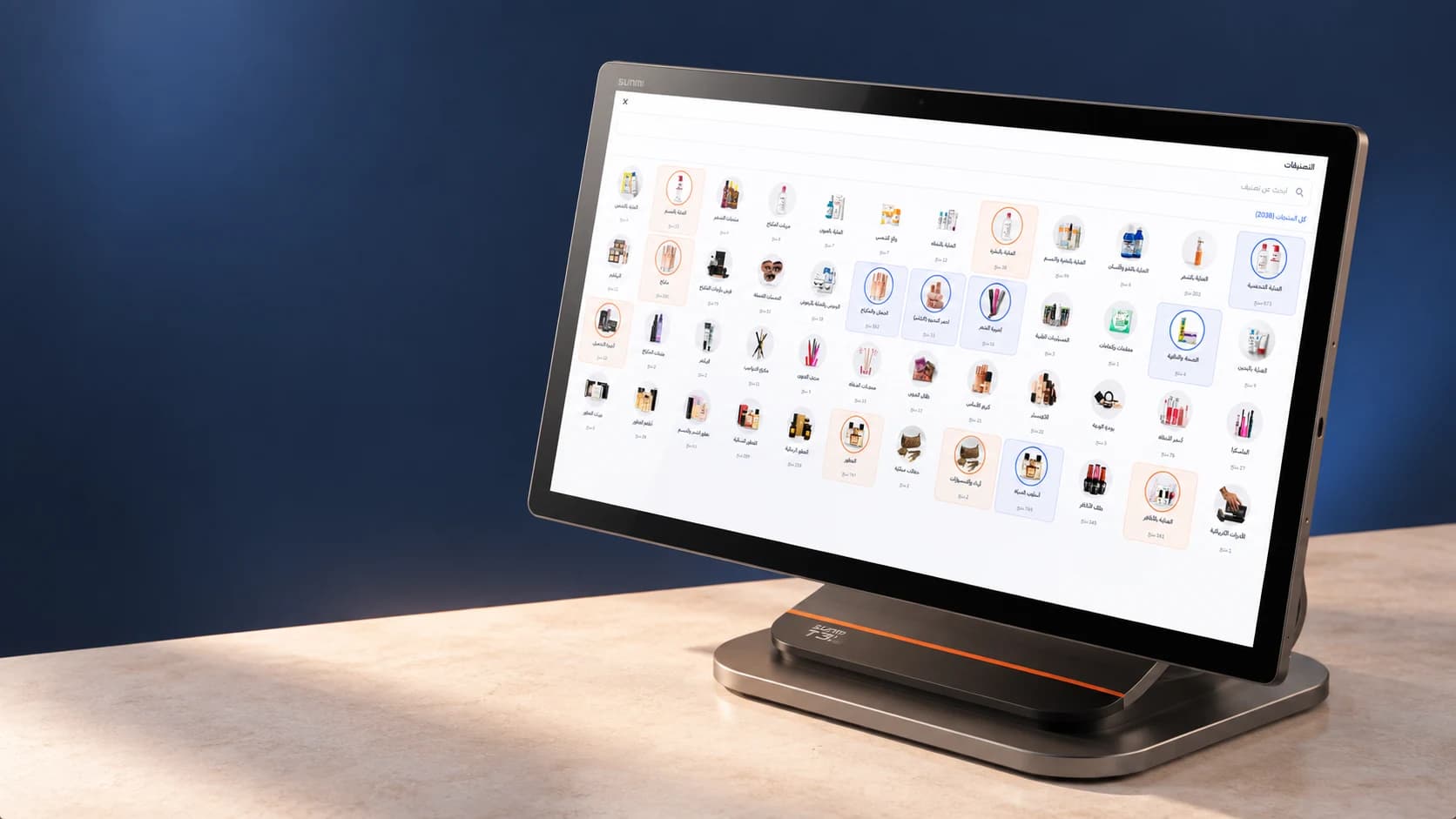
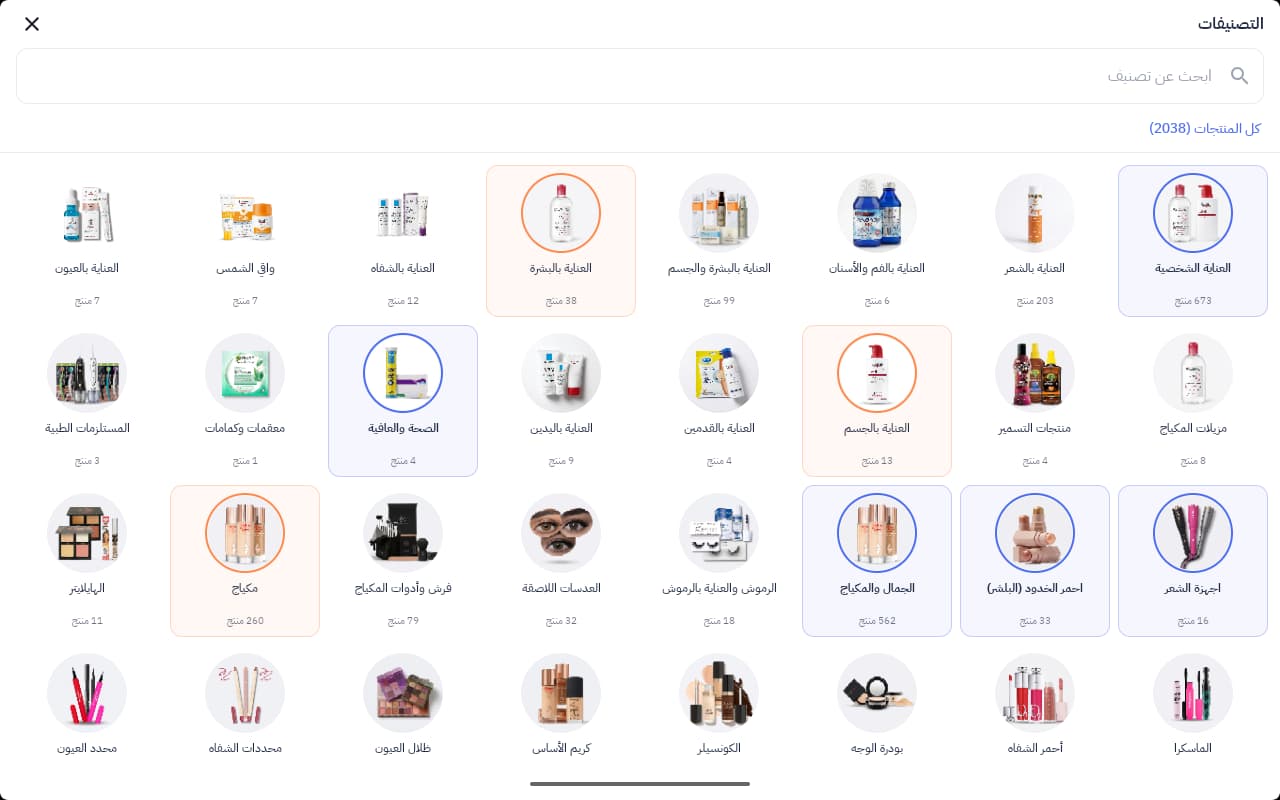
Navigate parent and child categories and find products through an adaptive visual grid.
Select a warehouse, review quantities, alerts and movements, or start a barcode stock count.
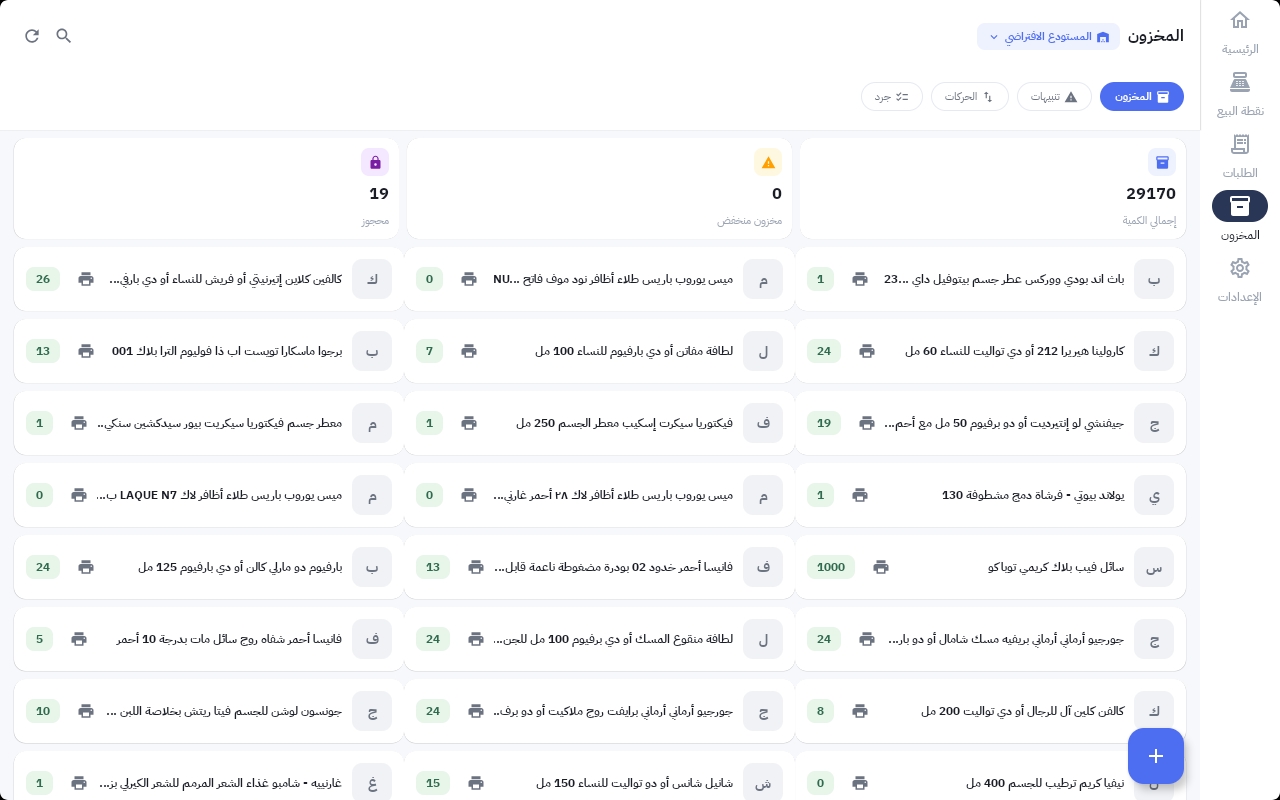
Actual app screenshots captured on an Android emulator, using Mollkom’s owned Joolyoo pilot store.
02 / THE WORK BEHIND THE SALE
Bring checkout and warehouse work around a shared view of products and orders, with permissions suited to each role.
Product images, categories, search and variants bring your store data into a sales-focused interface.
SUNMI scanner integration helps find a product, add it to a cart or record a stock count, according to device configuration.
Manage the cart, discounts and customer, with thermal-printer integration for the receipt.
Warehouse quantities, movements, alerts, counts and transfer receiving in the operational app.
Follow orders and handle returns within operations connected to your store.
Checkout connects to your store, products and orders, within Mollkom’s wider marketing, service and delivery environment.
03 / FIND YOUR FORMAT
Selected SUNMI devices, each suited to a different workspace. Explore the specifications and confirm your configuration with our team.
Compare devicesProduct browsing and flexible selling
Small shops and compact counters
Fixed checkout and spacious catalog browsing
This is a native Android app for checkout and warehouse work, with SUNMI scanning and printing integrations. The Mollkom merchant app and Mollkom Riders serve their own roles and have separate download links.
Open SUNMI App Store on your compatible device, search for Mollkom PDA, install it and sign in with your existing Mollkom merchant account. If the app does not appear, contact us with your device model and region.
Printers, scanners, memory and accessories vary by configuration. We review the device and setup with you; SUNMI hardware specifications alone do not mean every accessory or feature is enabled in Mollkom.
Card acceptance needs an activated payment service and a setup compatible with the device and region. NFC hardware alone does not enable payments; this workflow is checked separately.
Store connectivity, transaction saving and synchronization depend on the connection and enabled services. Network interruptions are reviewed during setup; we do not promise that every checkout workflow operates offline.
MOLLKOM / YOUR NEXT COUNTER
Install Mollkom PDA from SUNMI App Store on a compatible device, then sign in with your merchant account. We can help you choose the right setup if needed.
Find Mollkom PDA in SUNMI App Store on your compatible device.
Use your existing Mollkom merchant account and choose your store.
Choose the checkout and verify barcode reading and receipts on your device.
If the app does not appear in your device's store, contact us with the device model and region.
View Mollkom plans