Serve customers where they are
See the product, its image and price, then add it to the cart on the device in your hand.

HANDHELD
SUNMI V2s PLUS
A handheld touchscreen and printer in one device. Browse products and complete a sale, or move between shelves and check inventory in the native Mollkom app.
Mobile selling and work between shelves
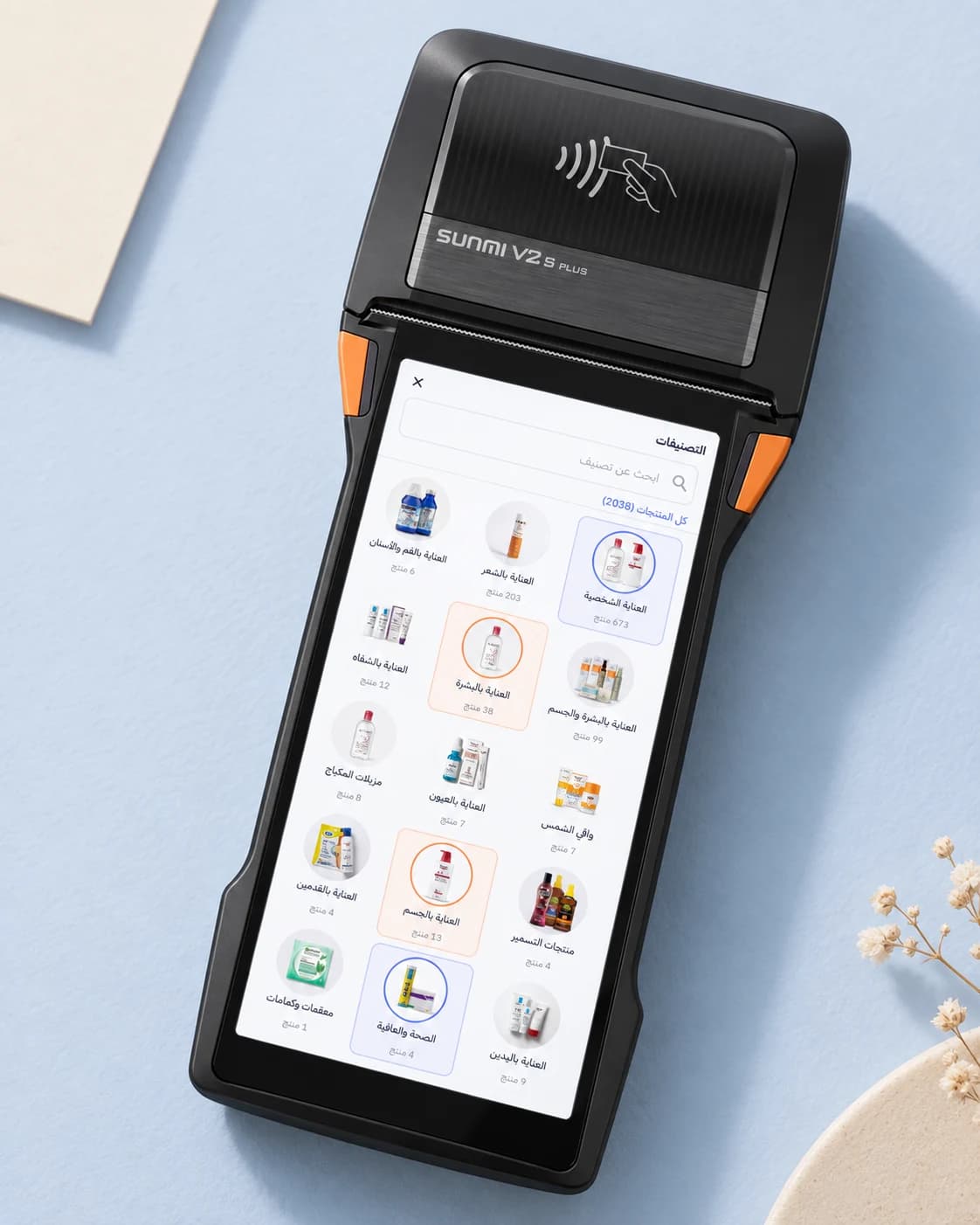
See the product, its image and price, then add it to the cart on the device in your hand.
Use the Scanner version’s barcode engine to find a product and record counted quantities.
Mollkom’s SUNMI printer integration connects the sale to its receipt, with the device and paper width configured.
THE HARDWARE
Available in Standard, Scanner and GMS versions. The dedicated scan engine is included in the Scanner version; memory and hardware vary by configuration.
Official SUNMI specificationsSource reviewed: 19 September 2026. Specifications describe the hardware and can vary by market and configuration.
THE MOLLKOM EXPERIENCE
Use your catalog at checkout and review inventory, warehouses and orders in the same environment. These operations connect to product preparation, marketing and customer service in Mollkom.
View actual app screens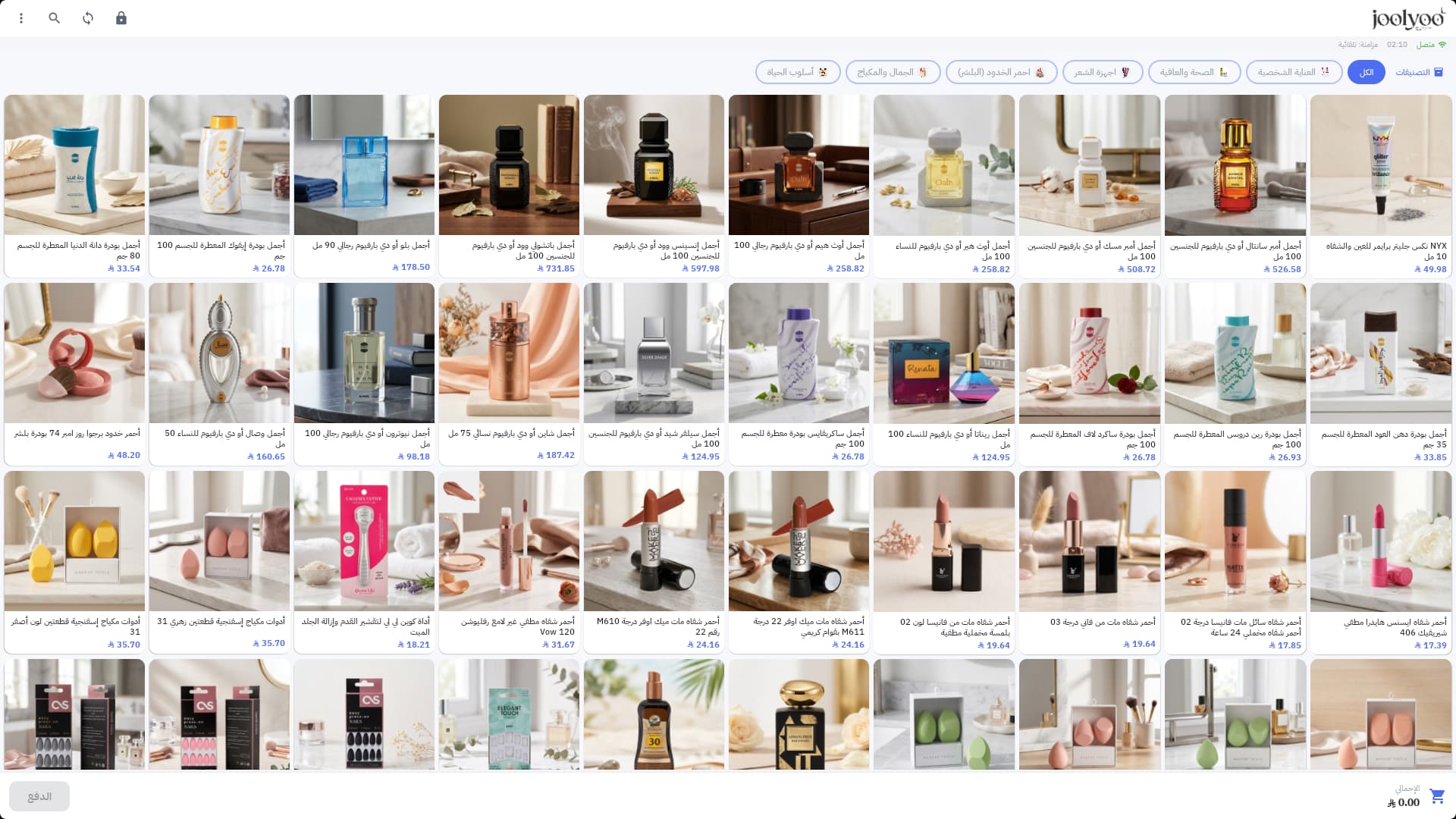
MOLLKOM / YOUR NEXT COUNTER
Install Mollkom PDA from SUNMI App Store on a compatible device, then sign in with your merchant account. We can help you choose the right setup if needed.
Find Mollkom PDA in SUNMI App Store on your compatible device.
Use your existing Mollkom merchant account and choose your store.
Choose the checkout and verify barcode reading and receipts on your device.
If the app does not appear in your device's store, contact us with the device model and region.
View Mollkom plansProduct browsing and flexible selling
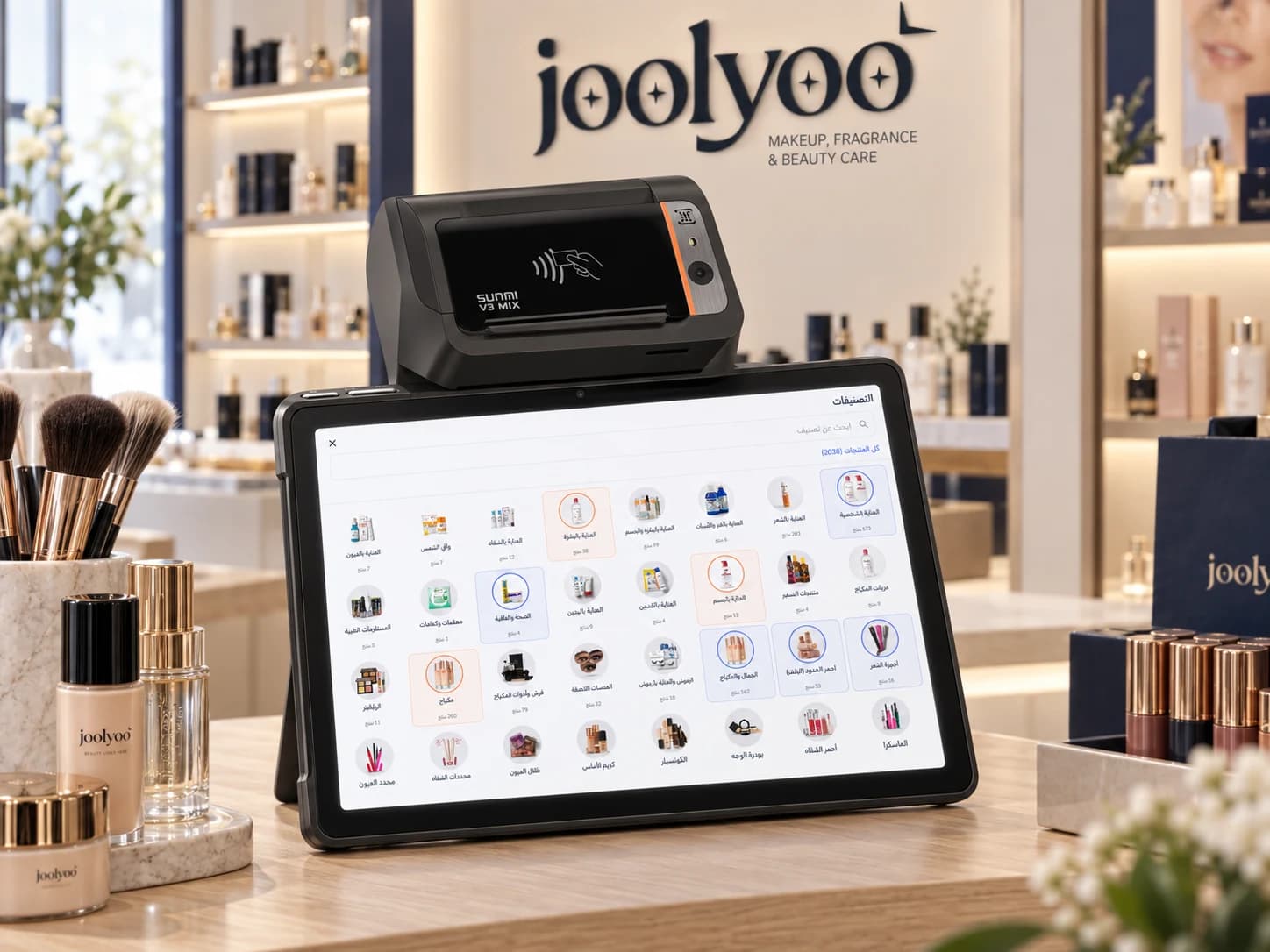
Small shops and compact counters
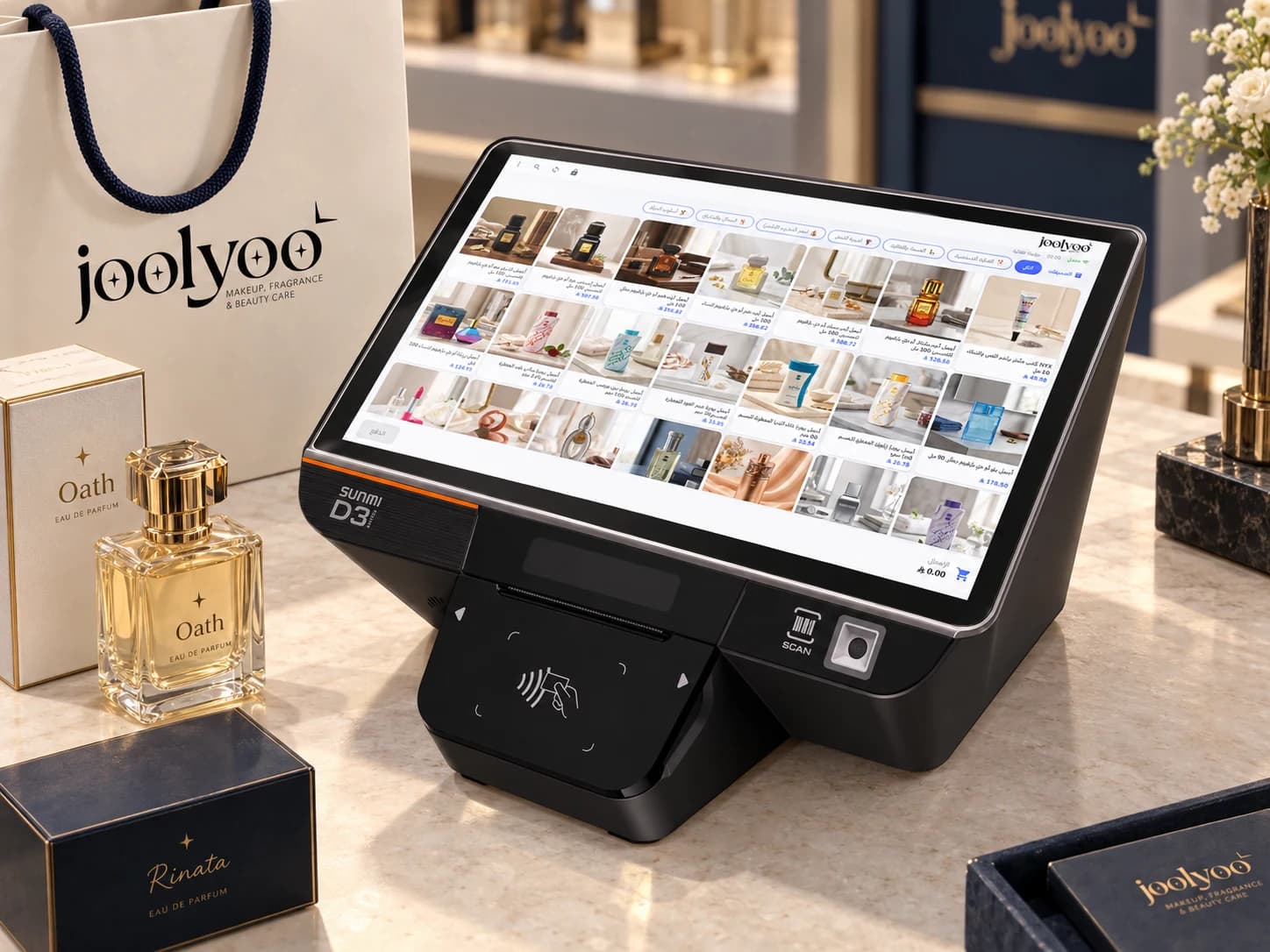
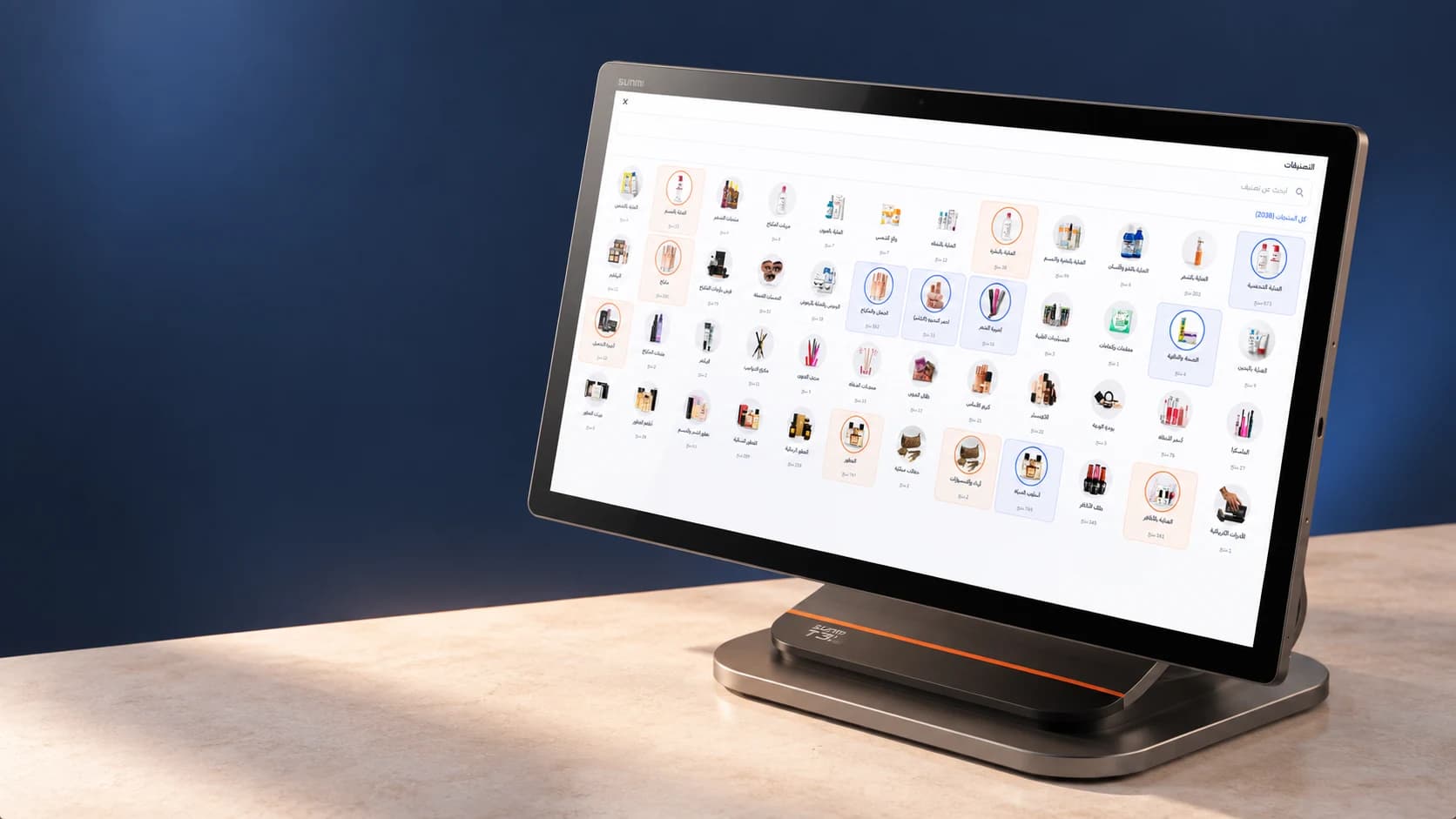
Fixed checkout and spacious catalog browsing