
MOLLKOM / SUNMI DEVICES
For every workspace,
a format that fits.
From a handheld to a desktop checkout. Explore SUNMI options for Mollkom and compare screens, printing and scanning before choosing your setup.
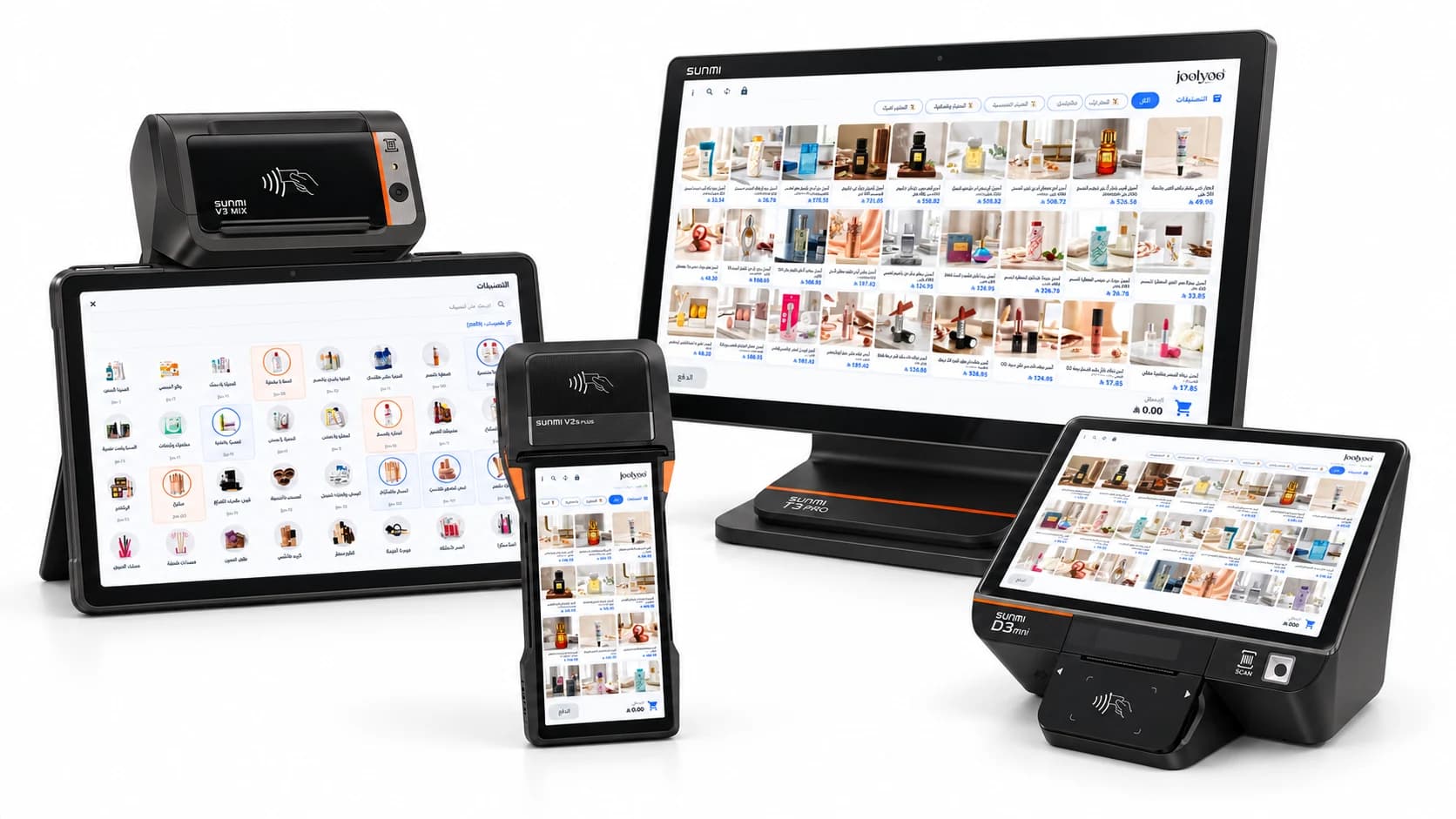
01 / THE DEVICE LINEUP
Start with the way you work.
Mobility, counter space and catalog size help you choose a format. App and accessory setup depends on the model.
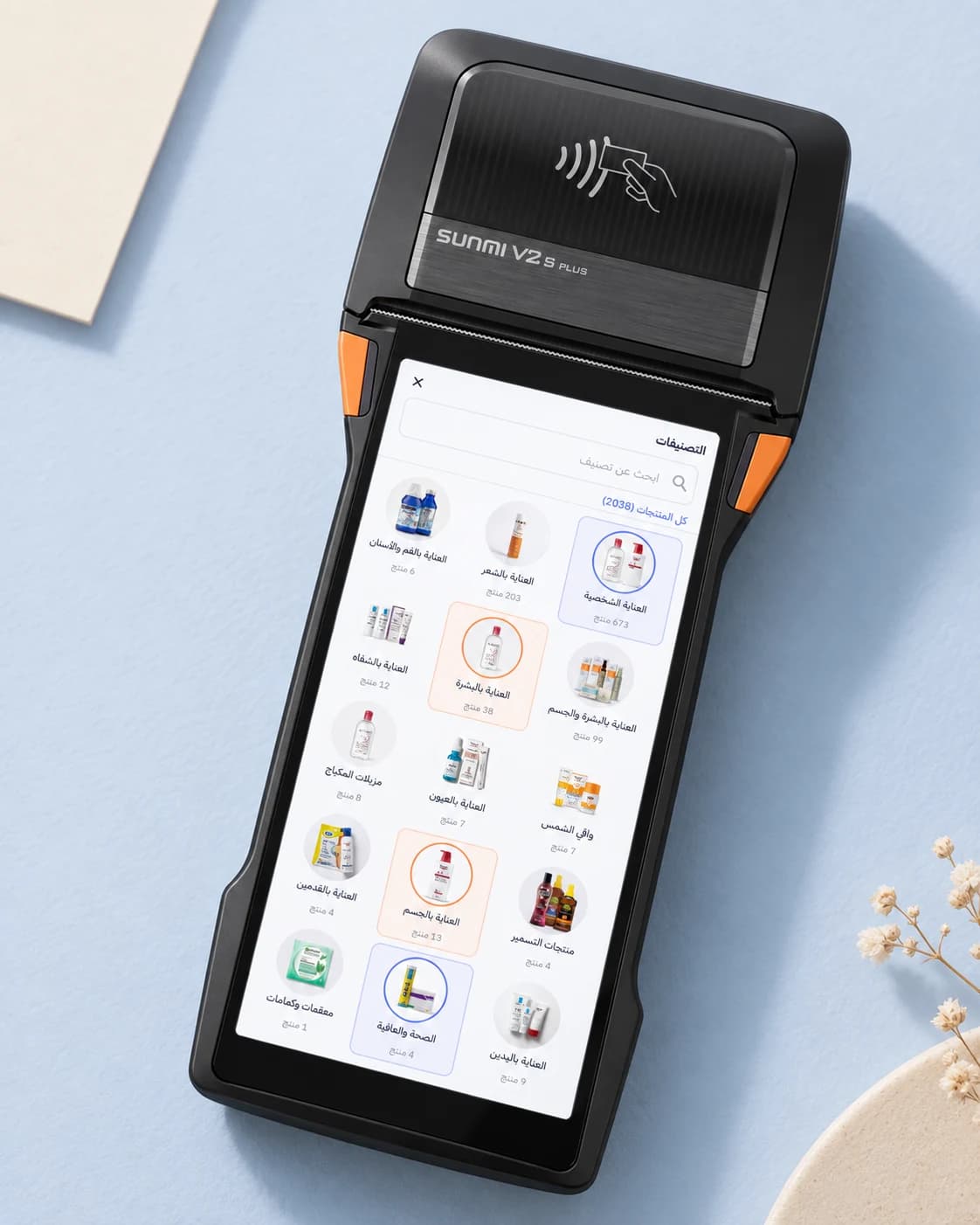
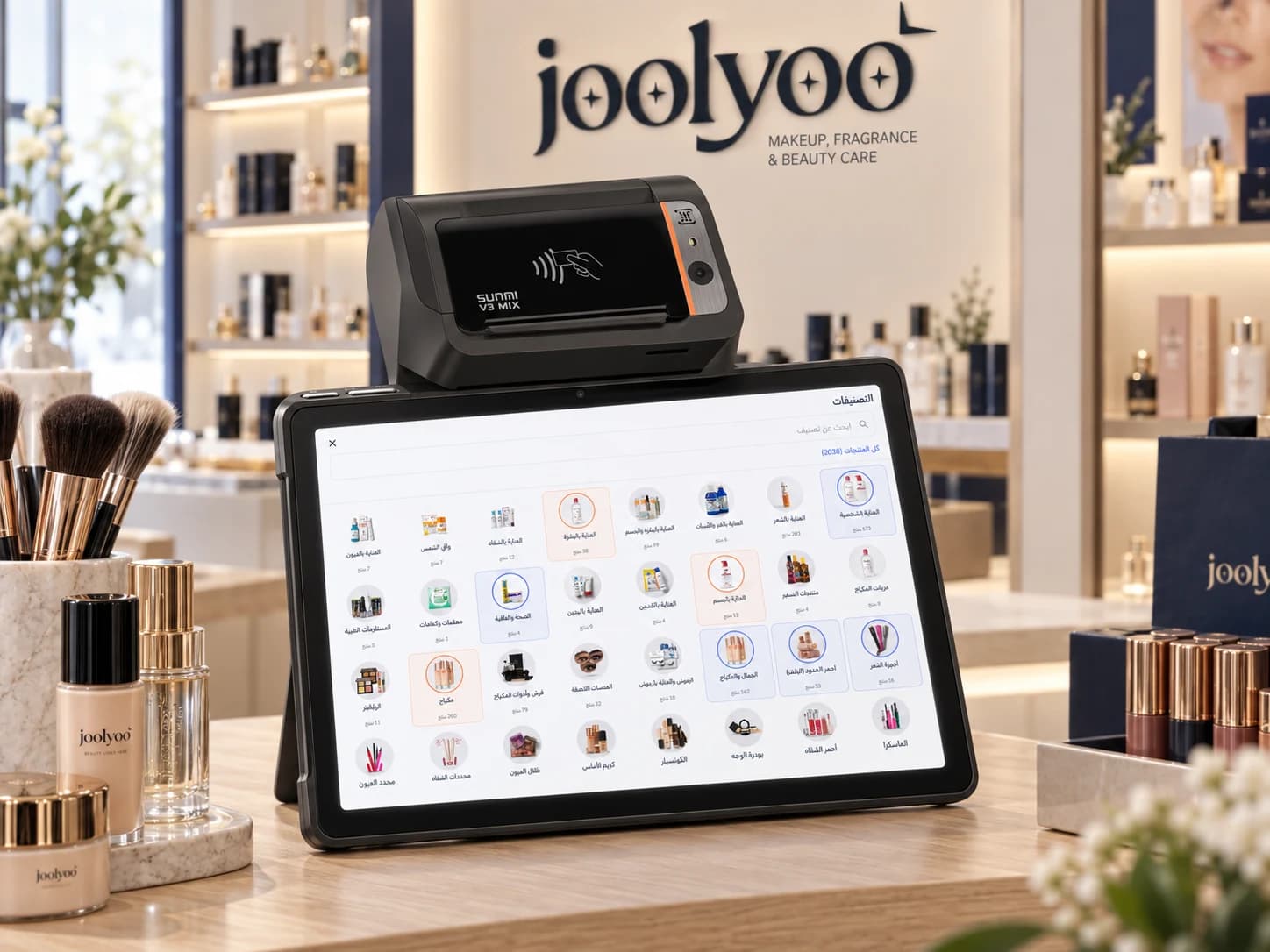
SUNMI V3 MIX
Product browsing and flexible selling
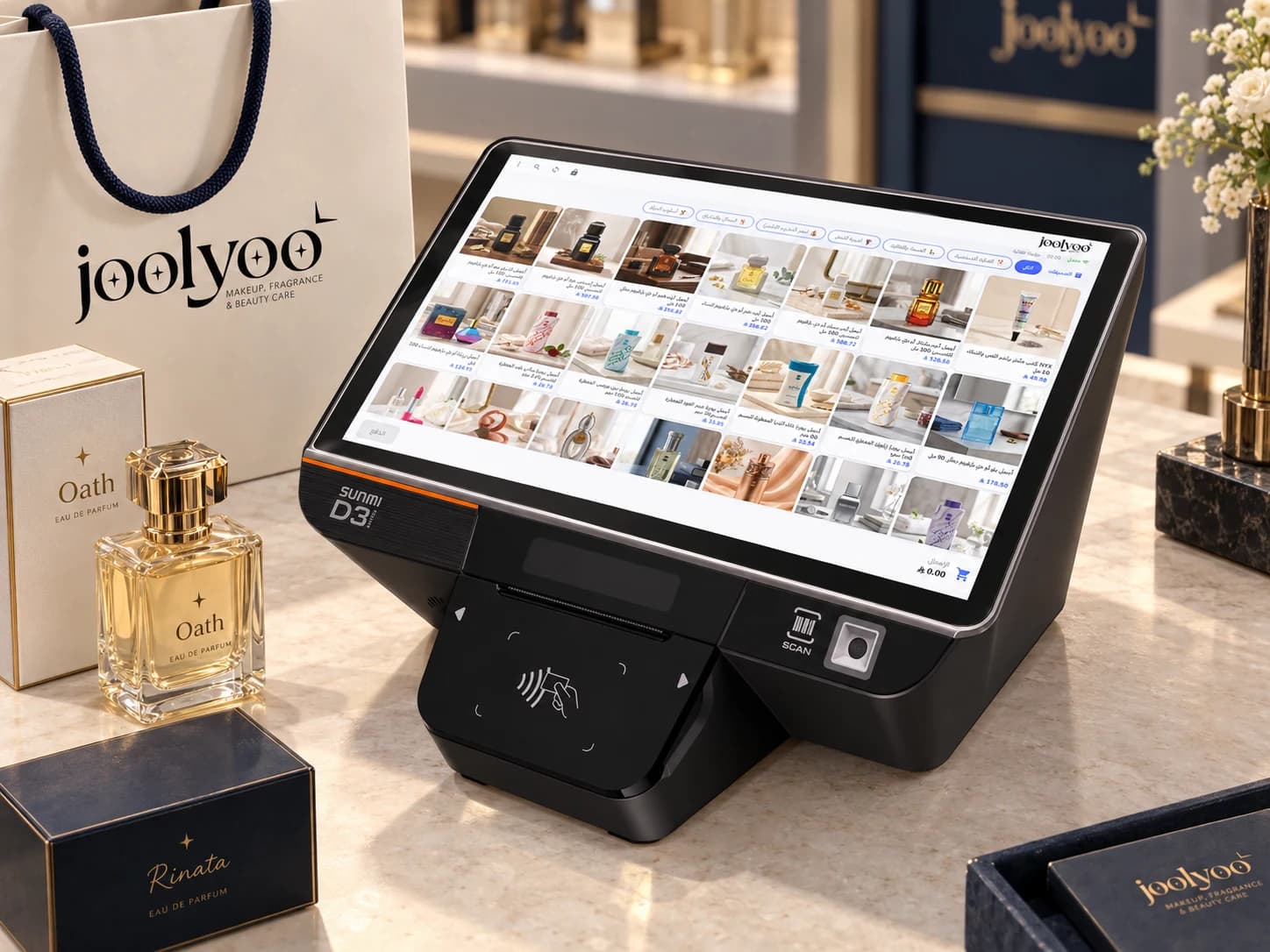
SUNMI D3 MINI
Small shops and compact counters
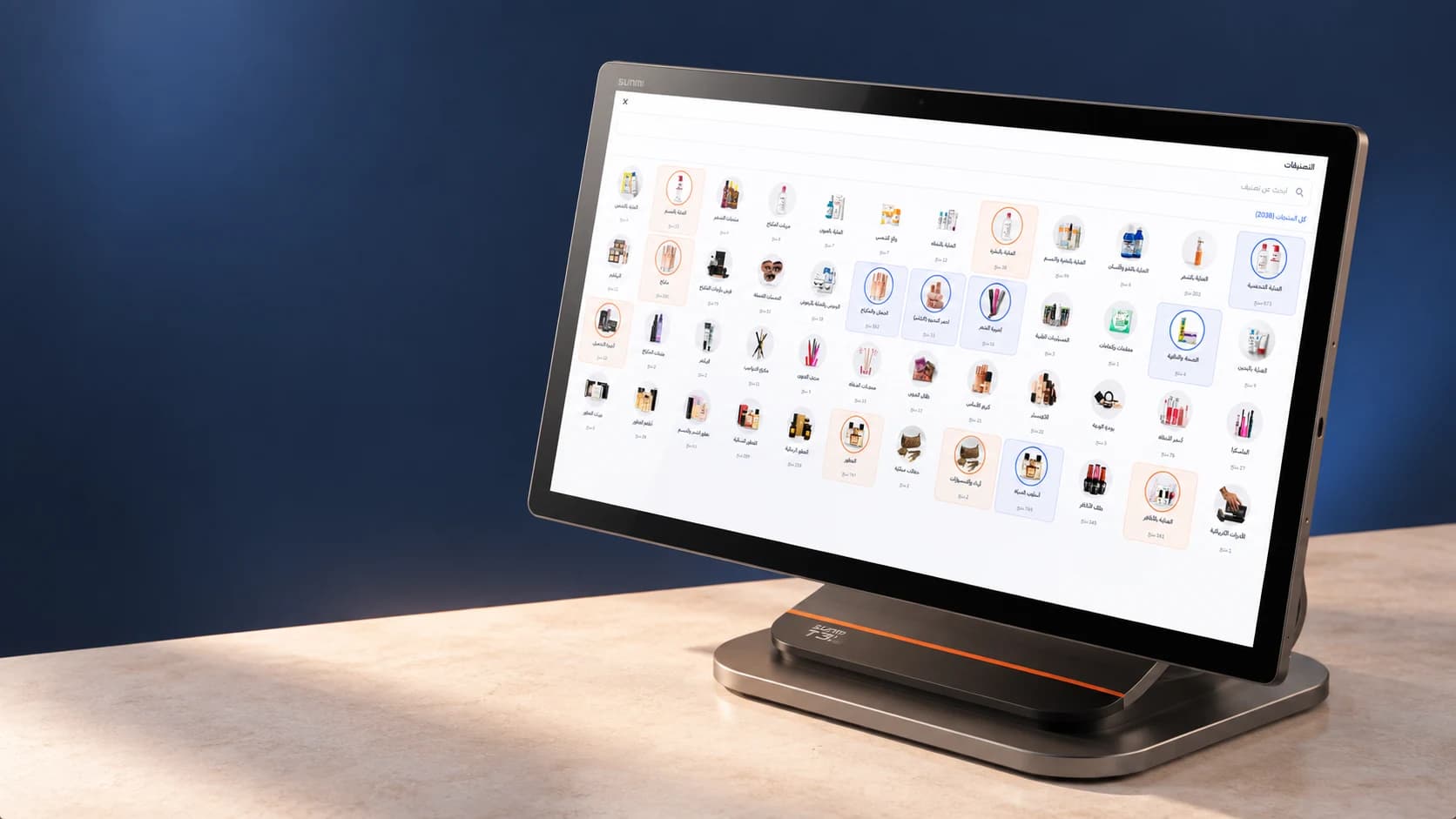
SUNMI T3 PRO
Fixed checkout and spacious catalog browsing
02 / AT A GLANCE
Choose around the work.
A hardware specification comparison. Operational compatibility and installation availability are confirmed with Mollkom for each setup.
Scroll the table horizontally to view all four devices.
| Specification | V2s PLUS | V3 MIX | D3 MINI | T3 PRO |
|---|---|---|---|---|
| Best suited to | Mobile selling and work between shelves | Product browsing and flexible selling | Small shops and compact counters | Fixed checkout and spacious catalog browsing |
| Display | 6.22″ · 720 × 1520 | 10.1″ · 1280 × 800 | 10.1″ · 800 × 1280 | 15.6″ |
| Printer | 80 mm built in | 58 or 80 mm by version | 58 or 80 mm by version | External; built-in on MAX model |
| Scanner | 1D / 2D in the Scanner version | Integrated 1D / 2D engine | Integrated 1D / 2D reader | External reader by setup |
Options and specifications from SUNMI. Local variants may differ; verify the model number and configuration before purchasing. This page does not sell or quote hardware.
And what runs on the screen?
Explore Mollkom’s native checkout and inventory app.
MOLLKOM / YOUR NEXT COUNTER
Set up your next checkout.
Install Mollkom PDA from SUNMI App Store on a compatible device, then sign in with your merchant account. We can help you choose the right setup if needed.
- 01
Install the app
Find Mollkom PDA in SUNMI App Store on your compatible device.
- 02
Sign in
Use your existing Mollkom merchant account and choose your store.
- 03
Start working
Choose the checkout and verify barcode reading and receipts on your device.
If the app does not appear in your device's store, contact us with the device model and region.
View Mollkom plans