
What is the difference between a transaction and a settlement?
Open Payments under Finance. A transaction covers the payment attempt and its outcome, whereas a settlement represents the transfer of payout funds through the gateway channel. A successful or paid order does not guarantee that funds have already landed in your bank account.
Steps to review a transaction
- Search by order number or customer name under the Transactions tab.
- Filter by status if needed.
- Open the linked order and review payment status, gross amount, fees, and net impact.
- Switch to Settlements to check the associated transfer status.
- Use Refund Balance when resolving refund funding or tracking within the available flow.
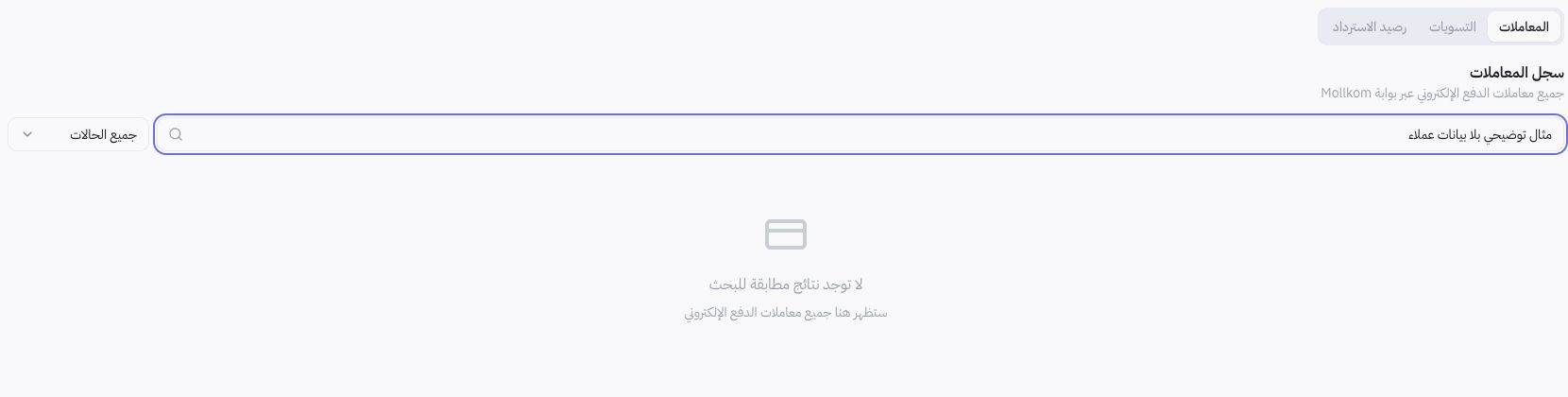
Screenshot usage example
A non-matching query was used for demonstration to present search tools safely. An empty result set under this filter does not imply an absence of store payments. Use your actual transaction reference when searching inside your account.
Where do I track Cash on Delivery?
Cash collected by couriers is audited under Cash Custody within Delivery and Drivers. Do not lump cash receipts into payment gateway settlements based on order IDs; always verify collection channels against their actual reconciliation points.
How do I handle a financial discrepancy?
Reconcile reference ID, currency, timestamp, payment state, refund status, and settlement records. For unconfirmed outcomes, refresh status or request a ledger match before duplicating any transaction. Never send card details, CVV, OTP codes, or online banking credentials to support.