
Where do I find reviews and questions?
Open Reviews under the Store section. The page aggregates your average rating, total review count, pending submissions, and questions awaiting replies across two separate tabs. Displayed metrics reflect actual submitted records; do not fabricate reviews to fill the dashboard.
Daily moderation steps
- Open the Reviews tab and review available filters.
- Switch to Questions to see what requires a response.
- Open any active entry to inspect the product, question, or review text.
- Use the response or moderation actions permitted by your role after reviewing the content.
- Verify status and public visibility on the product page when needed.
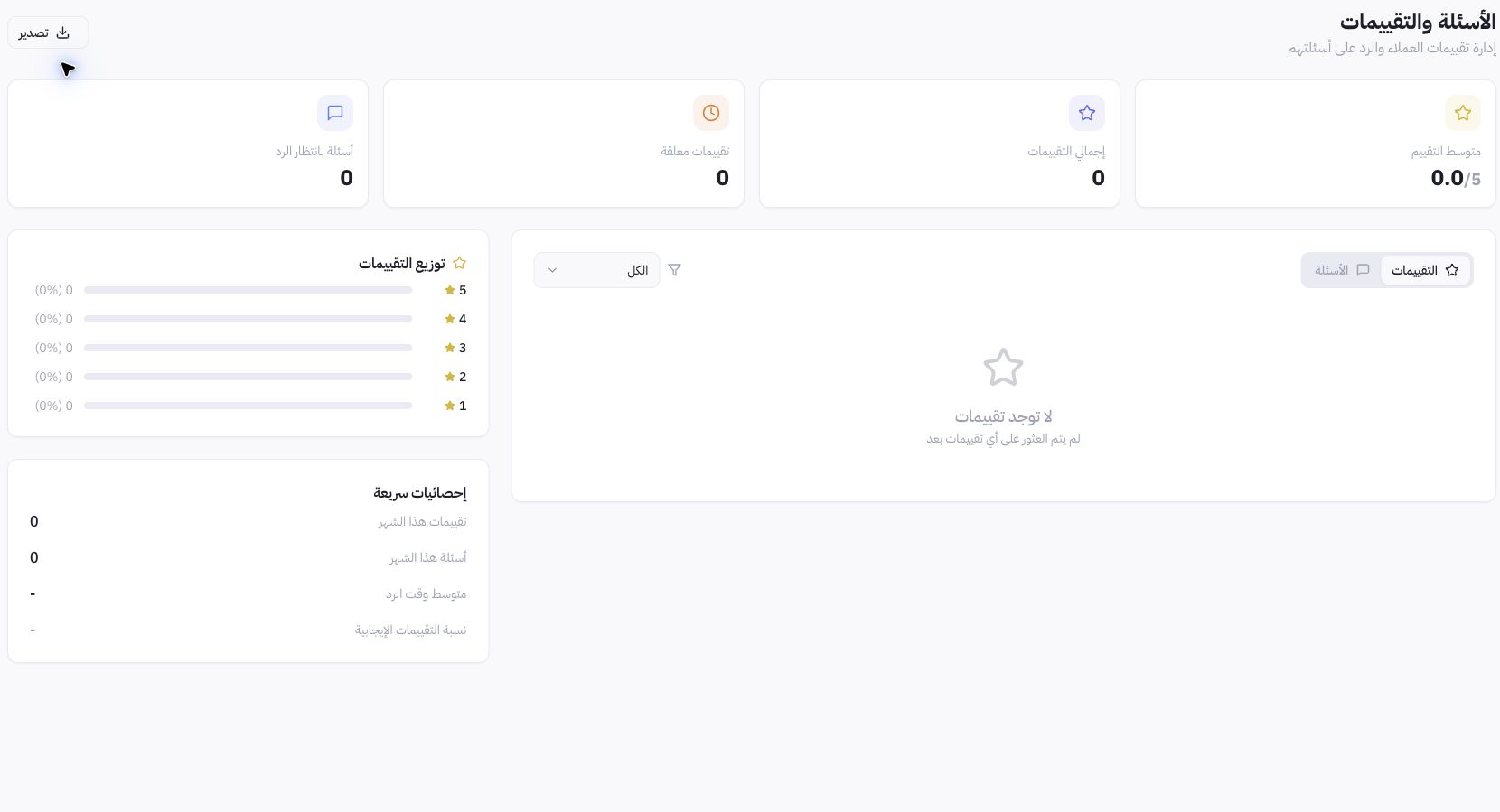
Example from Joolyoo
There were no reviews on the page at the time of testing, displaying zeros and an empty state. This represents an authentic audit result, not evidence of a system malfunction or perfect satisfaction. Actual responses cannot be tested from a list with no entries.
How do I write an effective reply?
Answer product-related questions using verified specifications, and clarify when information is unknown rather than guessing. Move sensitive customer or order details to a private support channel. Critical reviews do not justify promises of removal or fabricated purchase claims.
Why isn't a review appearing?
Check the product, review status, and active filters, then verify the product reviews setting under Cart & Orders. If the entry remains missing, provide its reference ID and issue details to support. Toggling visibility settings does not delete records or confirm receipt of a new review.