WHATSAPP FOR YOUR COMMERCE
A customer asks. Your product knowledge answers.
Connect WhatsApp Business Platform to your commerce environment. Bring product questions, recommendations and order-related conversations together with AI assistance shaped by your catalog and service instructions.
Verified Tech Provider↗
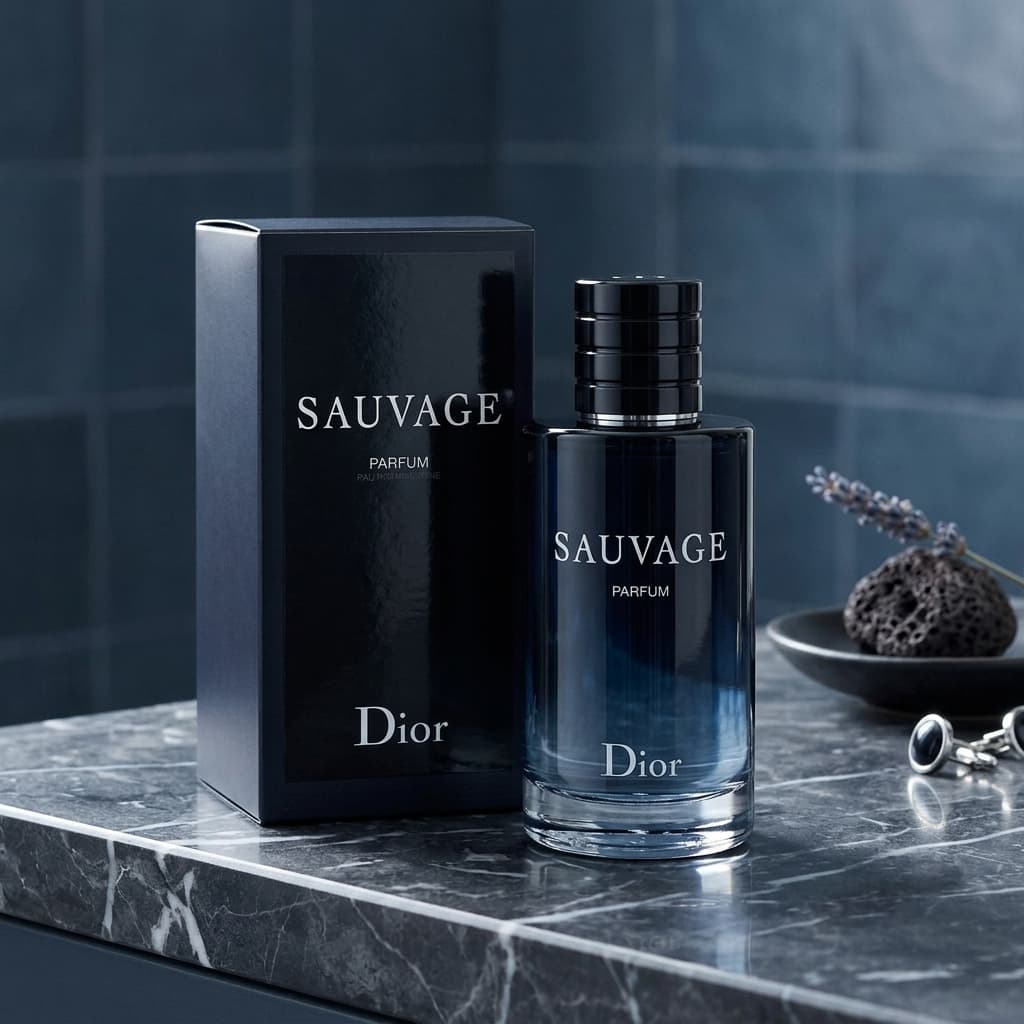
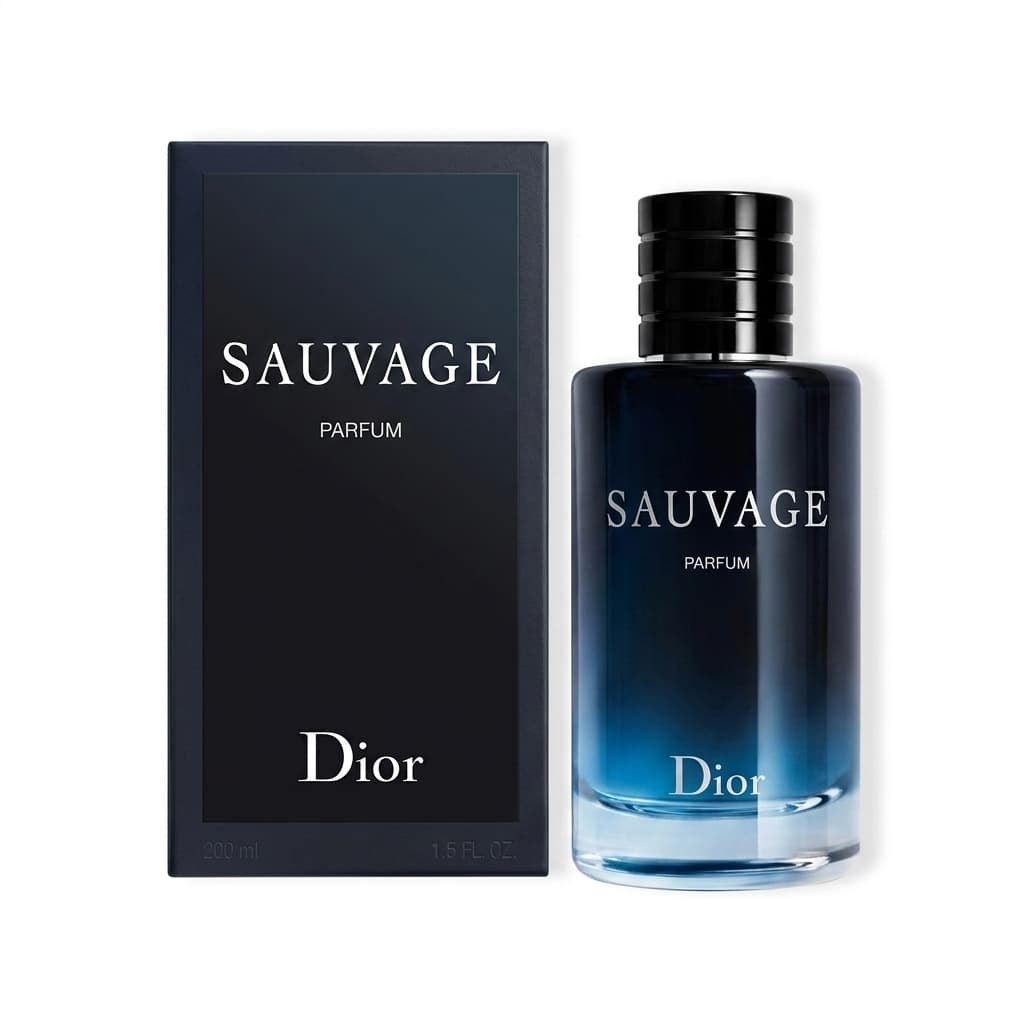
Dior Sauvage ParfumMake the connection work for your business
Help customers choose
Answer product questions and share relevant product information, images and links using the knowledge available in your store.
Keep service connected
Work with business messages, documents and supported templates from the same environment as your commerce operations.
Set the way your business responds
Guide the assistant with your business instructions and product knowledge. Keep your team involved in customer service and exceptions.
Your commerce, behind every interaction.
A conversation that knows what you sell.
Product information, imagery and business instructions give your content and customer service a shared starting point.
The image draws attention. The product information answers the next question. Your commerce environment keeps the two connected.

Product knowledge
One connected workflow
- 01
Connect your business number
Complete the supported Meta onboarding flow for an eligible WhatsApp Business account and phone number.
- 02
Prepare your service knowledge
Check product information and define the instructions that should guide customer responses.
- 03
Serve within WhatsApp’s rules
Handle incoming questions and use approved templates when required. Messaging policies, customer consent and service-window rules still apply.
Verified Tech Provider
Official connections. A verified technical foundation.
Mollkom connects your commerce to Facebook, Instagram and WhatsApp through official APIs. Meta has verified Phitek, the operator of Mollkom, as a Tech Provider.
Before you connect
Does Mollkom use the official WhatsApp API?
The integration uses WhatsApp Business Platform through Meta’s official APIs. Mollkom holds approved permissions for business messaging and account management, and its operator is a verified Tech Provider.
Can I keep my existing number and WhatsApp Business app?
The connection path depends on your business account and phone number. Contact our team to check the right onboarding option, including coexistence where available, before moving your number.
How is WhatsApp usage billed?
Choose the Mollkom plan that fits your workflow and review its usage allowance. Meta’s applicable messaging charges are billed separately. Business-initiated messages use approved templates and customer consent according to WhatsApp’s rules.
Keep your commerce connected

Connect your Facebook Page to Mollkom. Prepare and schedule posts, manage comments and Messenger conversations, and bring customer engagement into commerce.
Explore the integration
Manage Instagram content and customer conversations with Mollkom. Connect a professional account, plan publishing and answer questions with product context.
Explore the integrationCONNECTED COMMERCE
Give every customer conversation the context of your business.
Prepare products, create demand and follow through on orders in one AI-powered commerce environment.
Create your account, then connect the services your business needs.