
How do I locate an order?
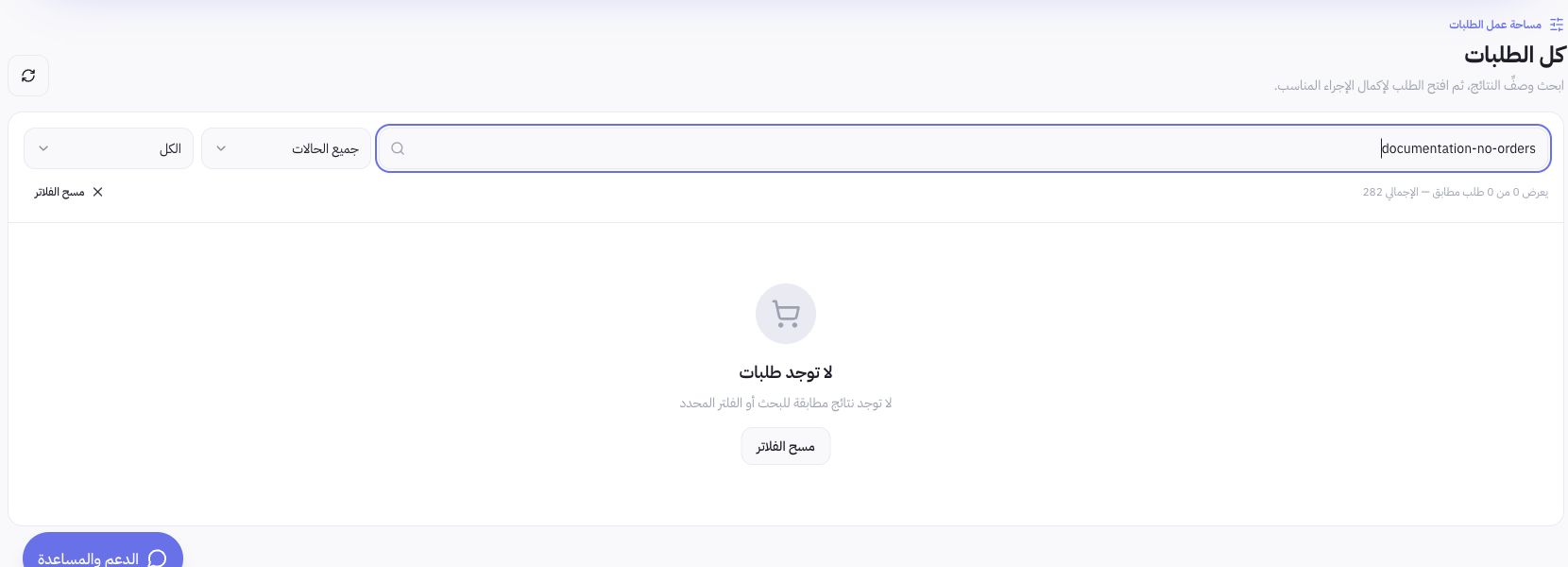
Confirm your active store, then open Orders. Search by order reference number and open order details. Match line items, quantities, and delivery address against the actual order before packing; never rely on customer name alone when multiple orders exist.
Why are there multiple statuses?
Order status reflects overall lifecycle progress, payment status indicates settlement, and fulfillment/shipping status tracks packaging and dispatch. Confirming an order does not mean payment is captured, payment does not mean items are packed, and creating a shipping label does not mean the customer received the parcel. Review each status and its logged event history before sending updates to the customer.
How do I manage fulfillment?
Review ordered items, inventory levels, and the fulfillment location, then proceed with the action permitted by your role and order status. When using an integrated courier, check the workflow under Shipping Settings; when using in-house drivers, manage dispatches under Delivery & Couriers. Rely strictly on recorded action results; never alter an order status to mask inventory discrepancies or unresolved payment errors.
Example of accurate status interpretation
If an order is confirmed but payment remains pending capture, do not treat it as paid. If a tracking number is generated without courier delivery confirmation, do not mark it as delivered. This educational example demonstrates proper status tracking; it is not a simulated transaction or test sale on a live merchant store.
When should I contact support?
If you notice conflicting statuses, duplicate charges, or unclear refunds, send the order reference number and a description of the issue to Support via authorized channels. Never share payment card details or OTP codes. When sharing screenshots, redact customer names, phone numbers, delivery addresses, and private order information.